This page assumes CodArch is already installed through one of its three paths (see
Installation). The examples use the CLI; with Docker or the desktop app the result
is the same cc.json, with the same checksum.
It writes the snapshot to .codarch/snapshot.cc.json: the file and folder tree, the metrics, the
dependency graph and, when there is git, the history. It understands TypeScript/JavaScript, Java,
Python, Go and C#; the detail is in what it analyses. See
codarch analyze.
The web app ships inside the CLI: serve installs nothing, it serves it locally, analyses the repo
and analyses again on save. See Web app and codarch serve.
To open another repository, in the web app or the desktop app:
ABRIR REPOSITORIO O ARCHIVO, in the header: opens a drop-down with Analizar carpeta…,
Archivo cc.json… and Reporte JSON… (for the web app’s options, see
Web app).
Desktop only: Ctrl+O analyses a folder and Ctrl+Shift+O opens a JSON.
Desktop only: pass the path as an argument on start (see
Desktop app).
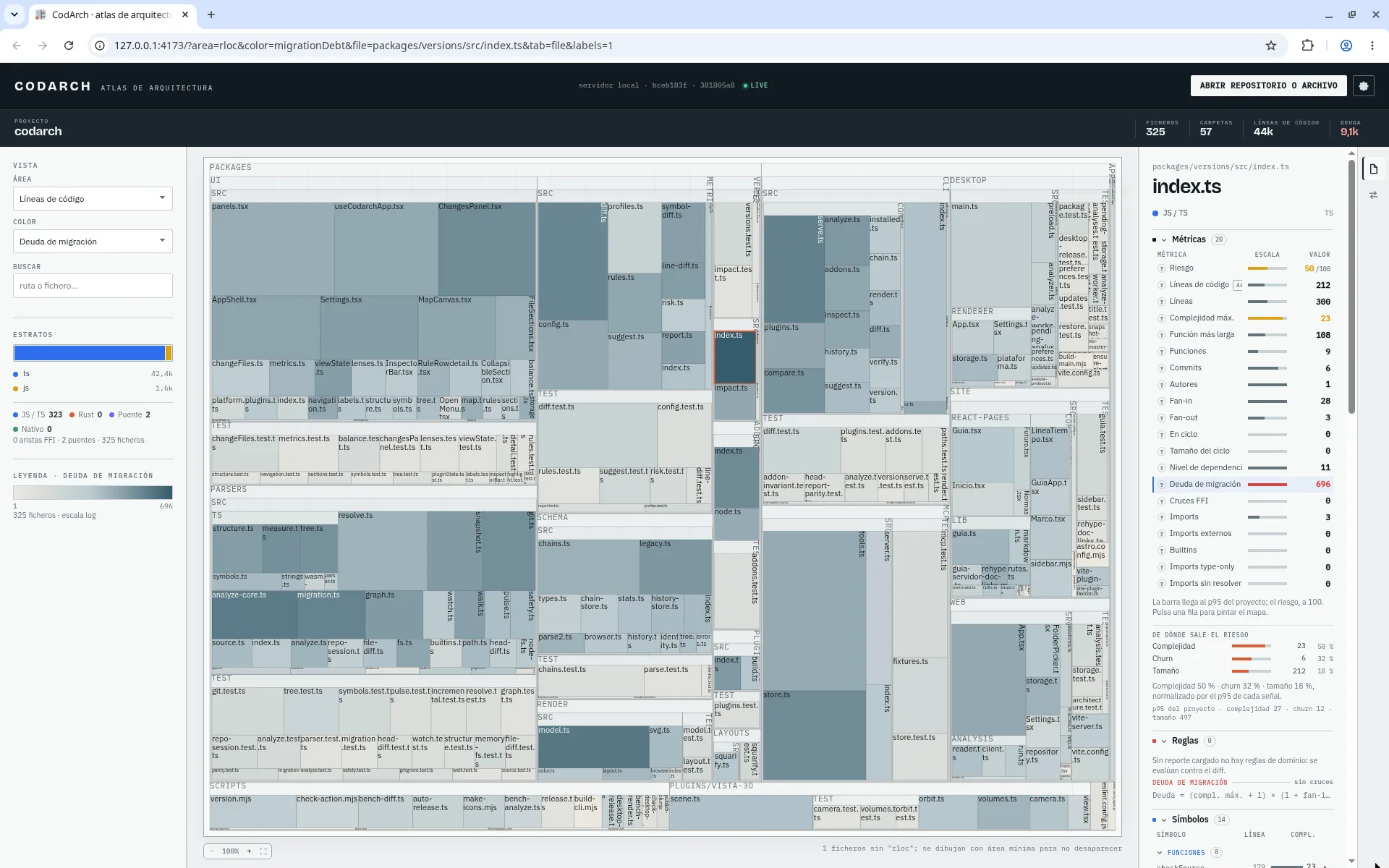
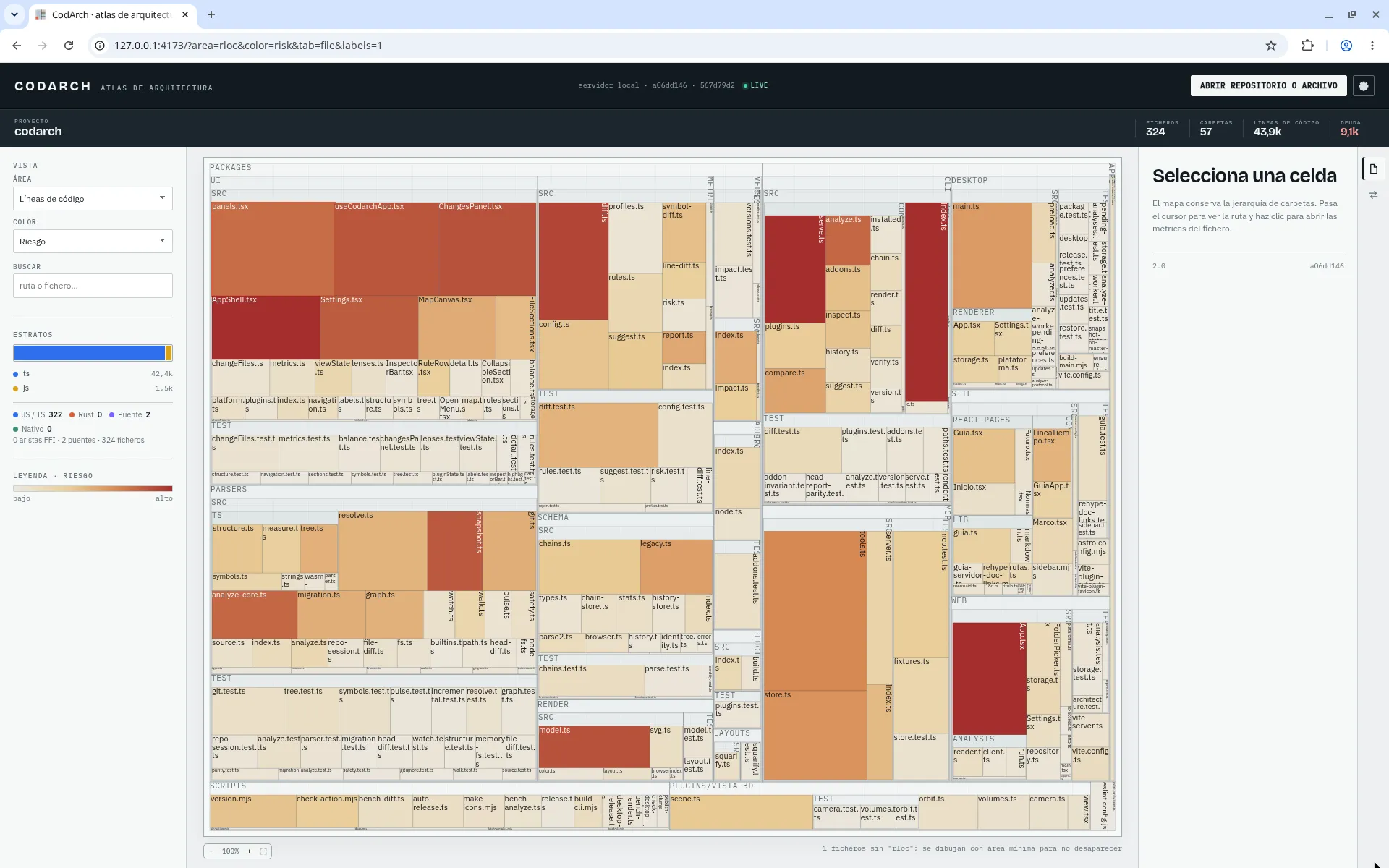
Each block is a folder or a file. Size and colour are chosen with the ÁREA and COLOR
selectors of the VISTA panel; on opening, the colour is Deuda de migración (migration debt).
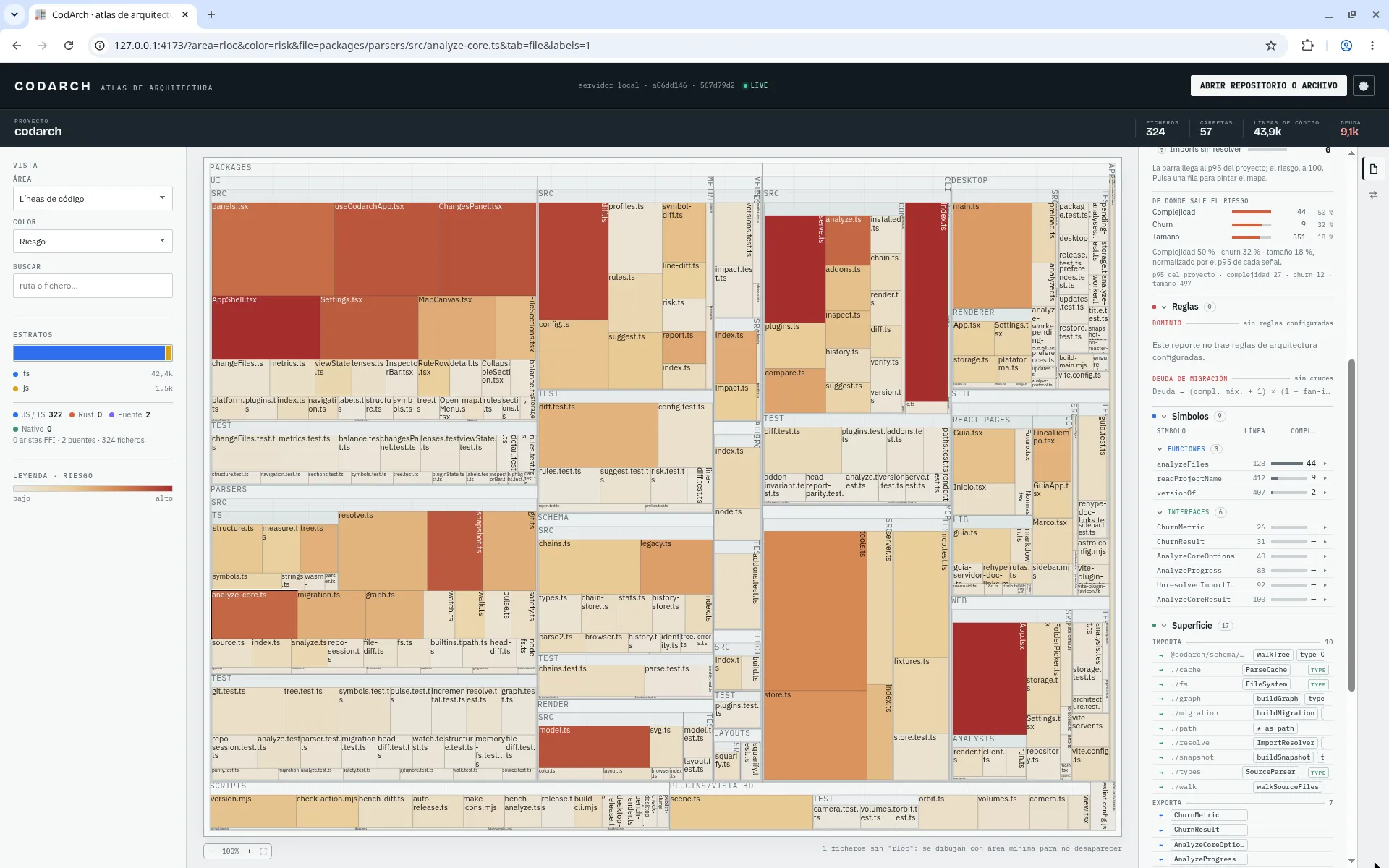
Clicking a file, the right-hand inspector shows it on its Fichero (file) tab: metrics,
symbols and incoming and outgoing dependencies.